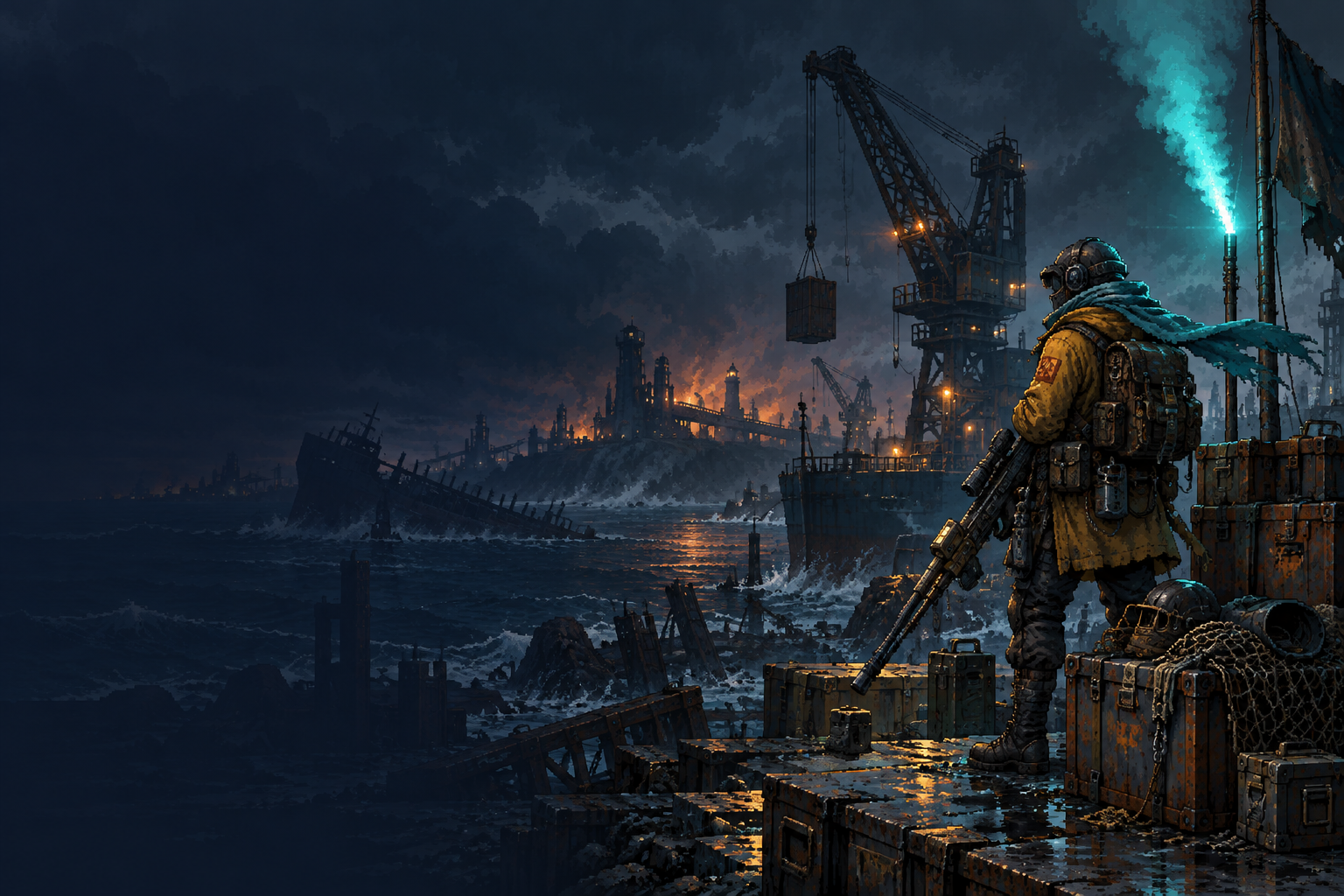
An armored scavenger watches a stormy industrial salvage coast.
SALVAGE DISTRICT

Get in. Gear up.
Get out alive.

A 2D extraction shooter set on a flooded industrial coast. Scavenge for supplies, fight other crews, and make it to extraction before the storm closes in.

Enter the fieldOnline matchmakingHow to playQuick guide
NEW HERE? GET STARTED IN 4 STEPS
1

Choose a modePlay online or practice vs bots.

2

Pick your loadoutBring the right tools for the job.

3

Drop inExplore, scavenge and fight.

4

ExtractReach a beacon before the storm.

Map rotation

View all maps →
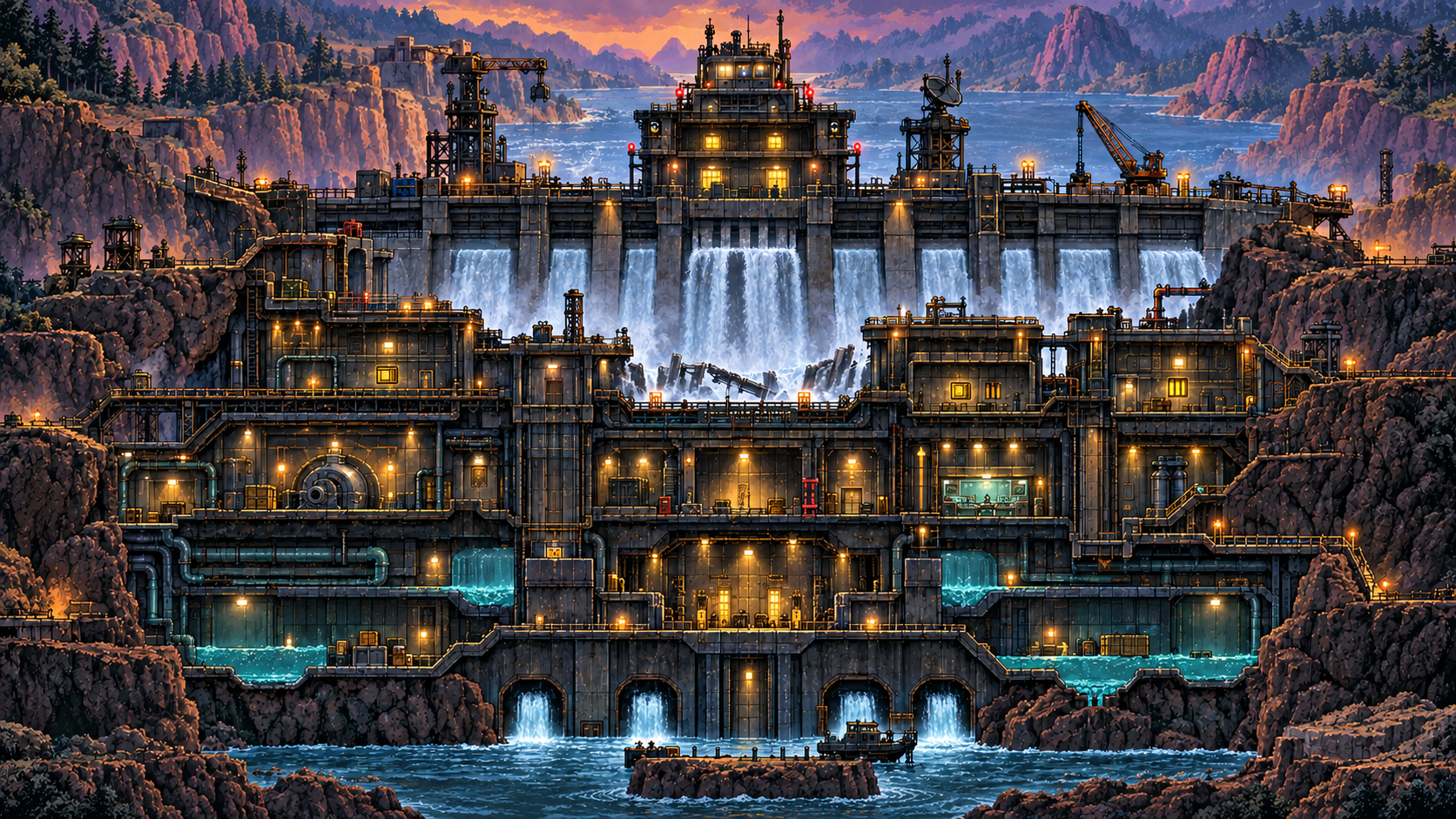
Split Dam industrial district
Split DamCurrently active
  • Split Dam◆ Active
  • Buried RelayIn rotation
  • Refinery BasinIn rotation
  • Freight SpineIn rotation

Latest news

View project →
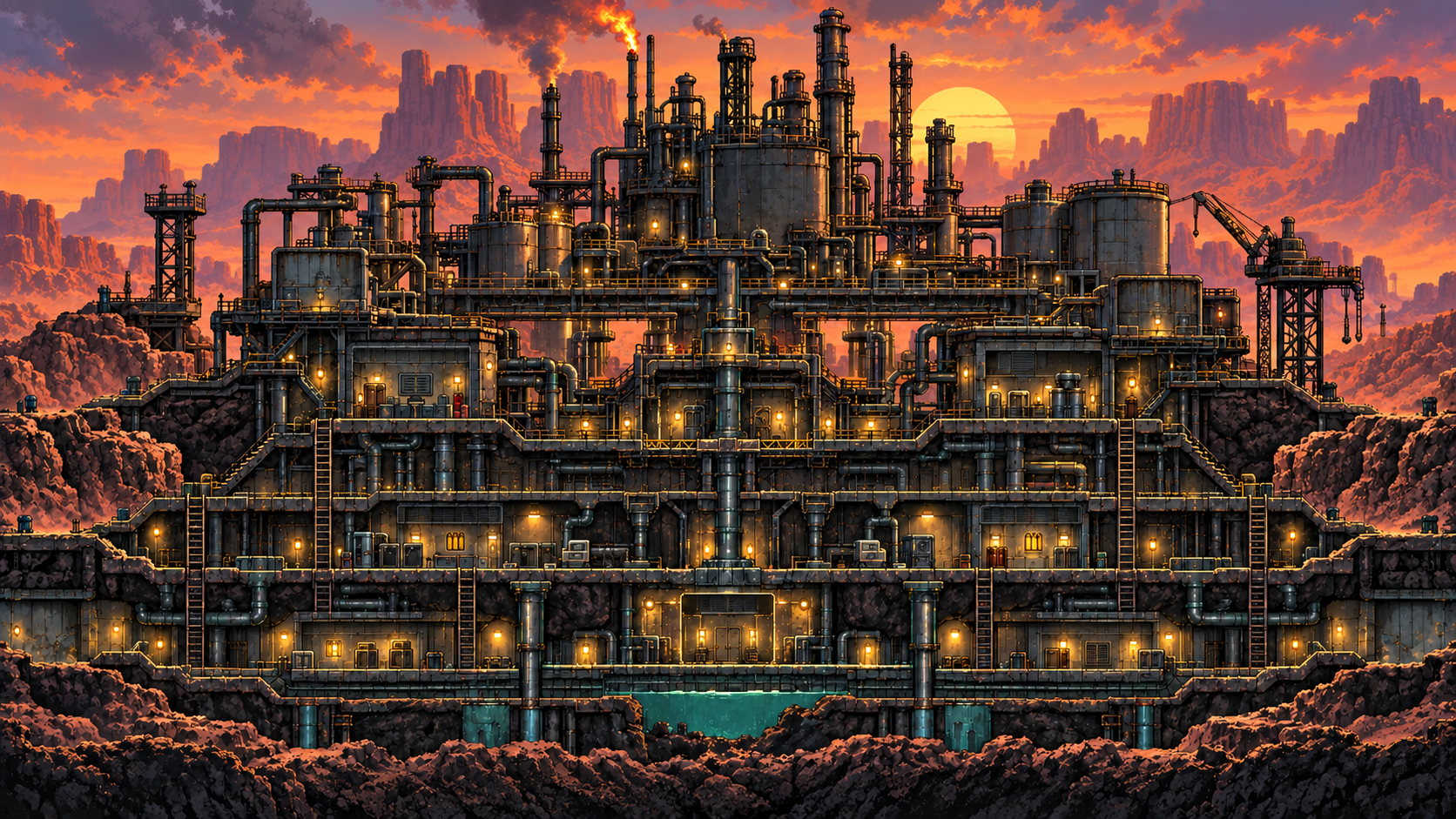
Refinery Basin at dusk
DEV UPDATESeptember 10, 2026

Field Test 0.7.0 is live

New sectors, persistent discoveries and quality-of-life improvements. Jump in and tell us what you think.

LIVE FIELD TERMINAL

Deployment

Configure your run, then enter the salvage coast.

LOCAL • 6 BOTS
SALVAGE DISTRICT

Get in. Gear up.
Get out alive.

Explore Split Dam, Buried Relay, Refinery Basin and Freight Spine. Use marked doors to travel between sectors and lift doors to reach upper routes. Crouch in bushes to hide and complete field contracts for supplies and high-tier gear. Extraction opens at 90 seconds. Keep moving as the storm closes in. Customize your controls and five quick slots before your next run.

A / D moveSpace jump / double jumpMouse + click aim / shootE loot / hold to extractShift slide / rollQ hold guard

Log in for saved solo runs and multiplayer. Guest practice does not save gear.

VITALS120 HP
STAMINA100
LOADOUTRivet Pistol12 / 12
FIELD STATUS7 remaining03:00
FIELD CONTRACTSFind cover. Make your next move.
Face the bullet and tap just before impact · 180 ms window · 20 stamina · 1.2 s cooldown0 reflected

Desktop keyboard and mouse recommended. Click Deploy when ready.

G enter / exit area · M map · I / Tab inventory · 1 / 2 weapon · R reload · S crouch · F relic · Esc pause

FIELD LOADOUT · ONLINE MATCHES KEEP RUNNING

Inventory

Empty equipment slots fill automatically when you loot. Extra gear and supplies go into your backpack. Online extraction saves equipped gear and your entire backpack.

Quick access Drag items here · drag slots to swap

Weapons Drag a weapon to quick access

Armor parts

Backpack 0 / 6 slots

Nearby loot within reach

Select an item action. Dropped gear stays in the world.

Keep at least one weapon equipped. Medkits heal only when used. Swapping or dropping a gun preserves its ammunition and relic cooldown.

FOUR SECTORS · 32 SPAWN POSITIONS

The Four Sectors

Yellow: you · cyan: extraction · circles: reserved spawns · amber: crates · grey: barricades

Online matches keep running while you view the map. Only active enemy extraction beacons are revealed to the whole match. Local practice pauses.

PERSISTENT GEAR · ALL RARITIES

Stash & loadout

Every extracted item stays in your inventory, ready for the next run. Drag gear between inventory and stash, or select an item then click a slot. Your stash stays safe when you deploy.

Loading stash…

Safe stash not taken into matches

Inventory taken into your next match

Drag items to move them. Dropping on occupied equipment swaps the items.

WEAPON CATALOG · EXTRACT TO DISCOVER

Weapon Catalog

Every gun has a catalog slot. Successfully extract a gun to reveal its identity, artwork and properties permanently.

Loading catalog…

Extract weapons to reveal their catalog entries.

MAKE IT YOURS

Keybindings

Click a binding, then press its new key. Mouse aims and fires. Escape pauses or closes menus. Tab also opens inventory from the game. Online matches continue while settings are open.

Bindings are saved on this device.